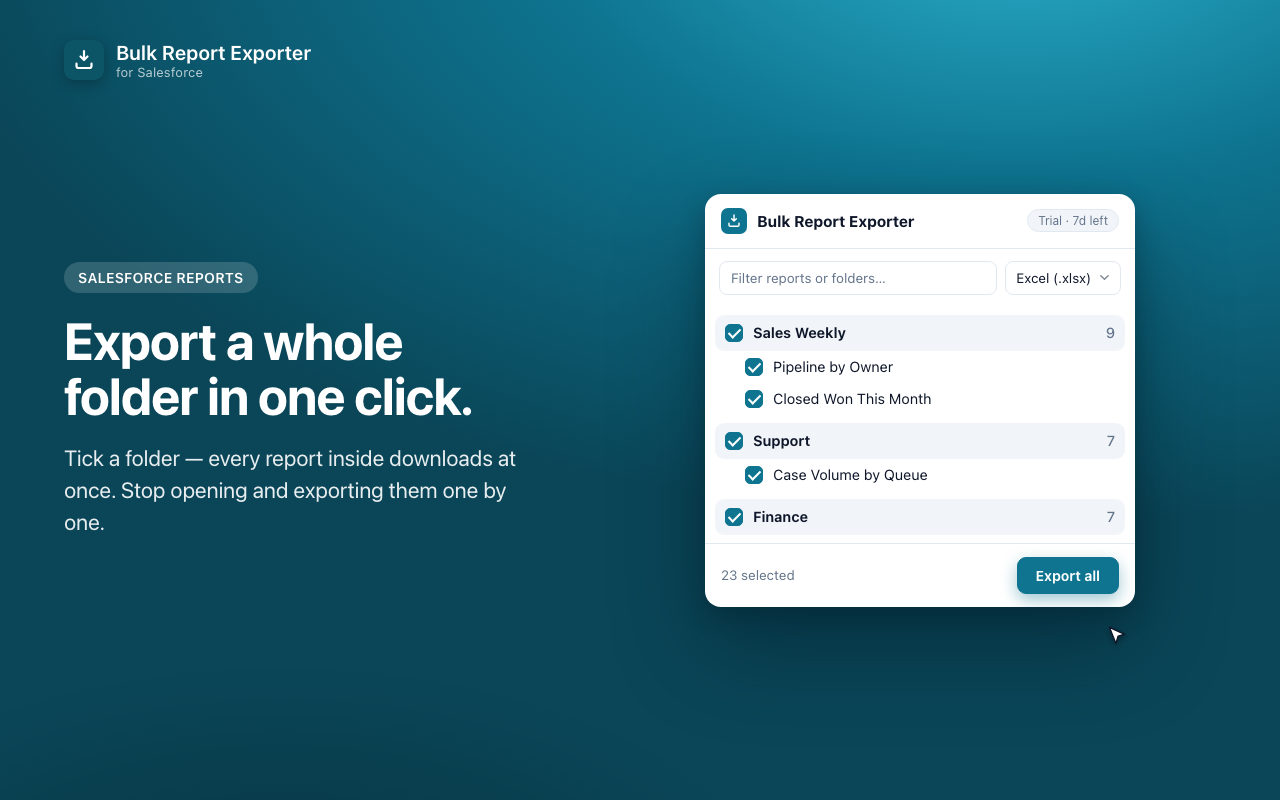
Stop opening reports one at a time. Tick the ones you need — or a whole folder — and every report downloads as Excel or CSV, neatly named and organized.
7-day free trial · one-time purchase · no subscription
If you send a pack of reports to execs, finance, or clients every week, you know the drill: open report, wait, Export, choose format, click again. Then repeat. And repeat.
Three steps, no setup, no admin approval.
Click the toolbar icon while you're logged into Salesforce. It reads your existing session — no Connected App, no OAuth, no password.
Browse your report folders, filter by name, and tick individual reports or an entire folder at once.
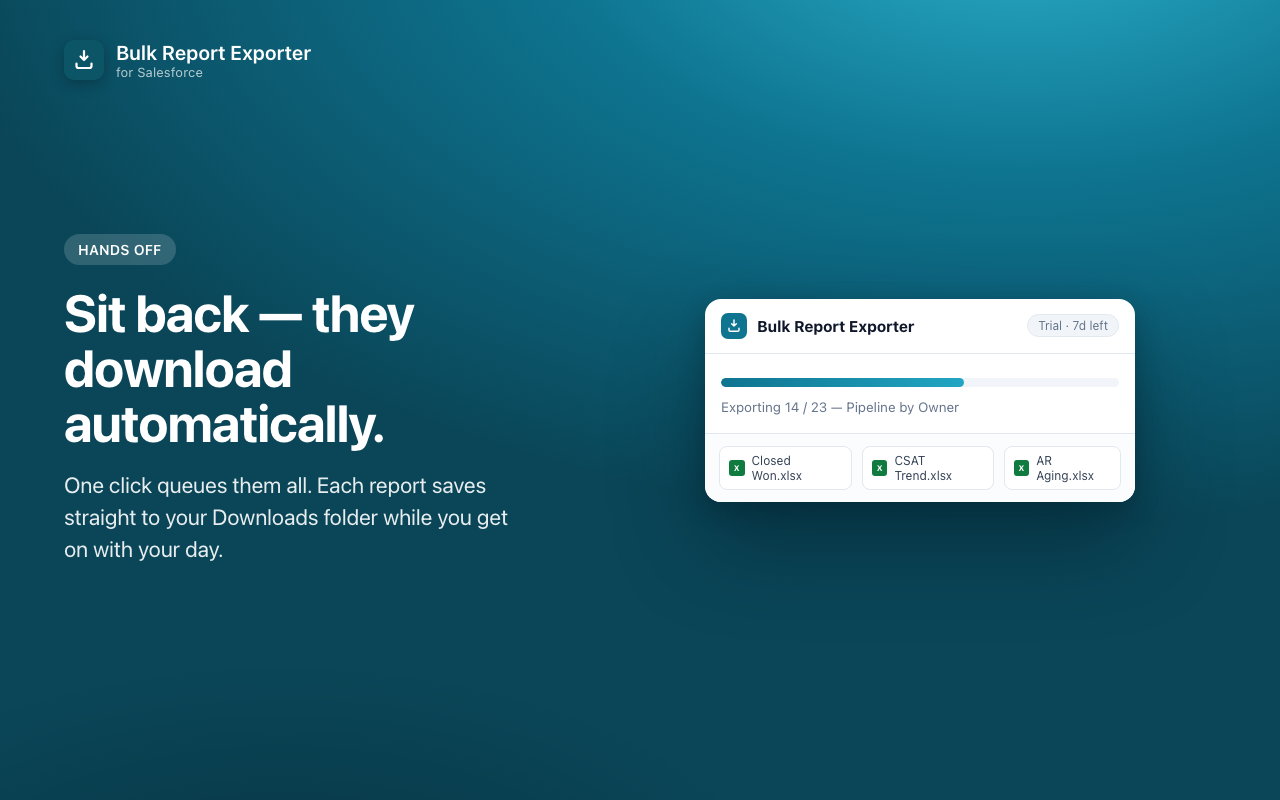
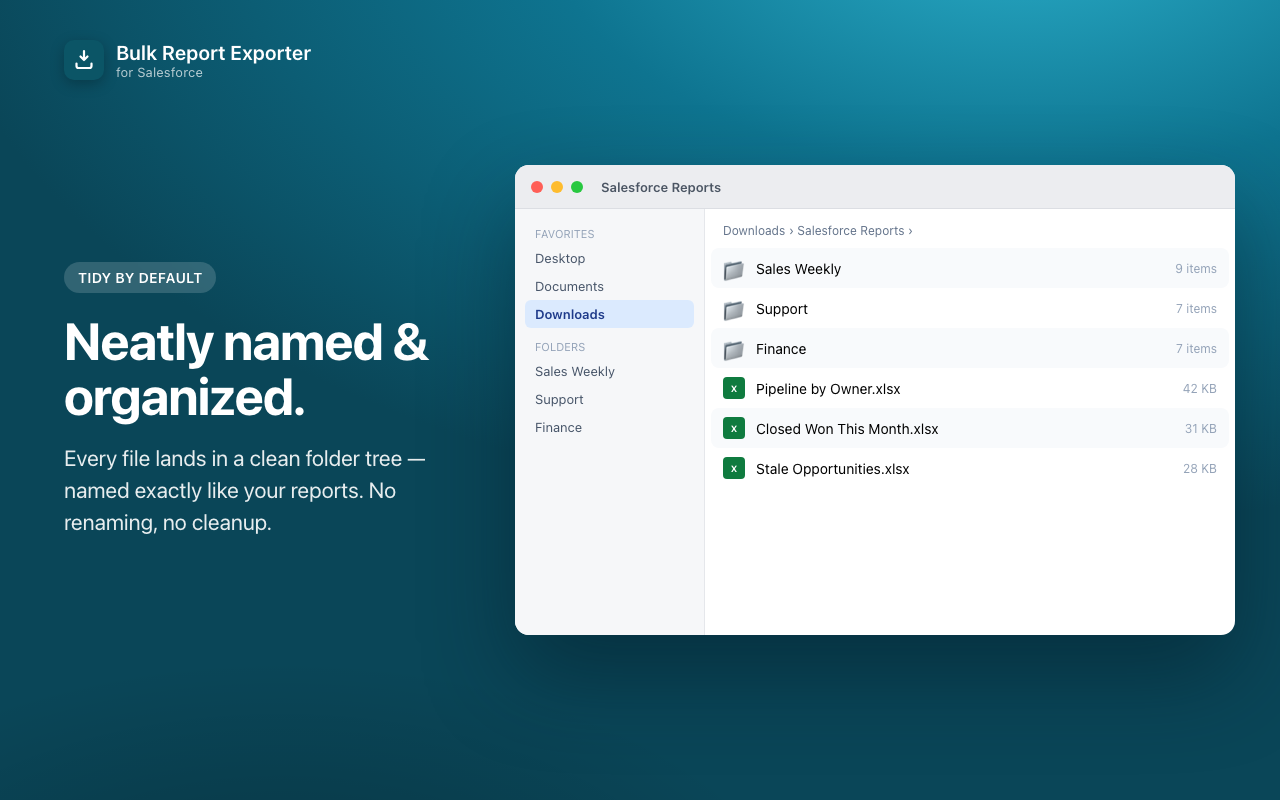
Every report downloads automatically as .xlsx or .csv, filed into tidy folders in your Downloads.
Salesforce admins, RevOps and sales-ops analysts, and consultants who pull the same report pack every week.
Select a folder and take everything inside it in one go — no clicking through reports individually.
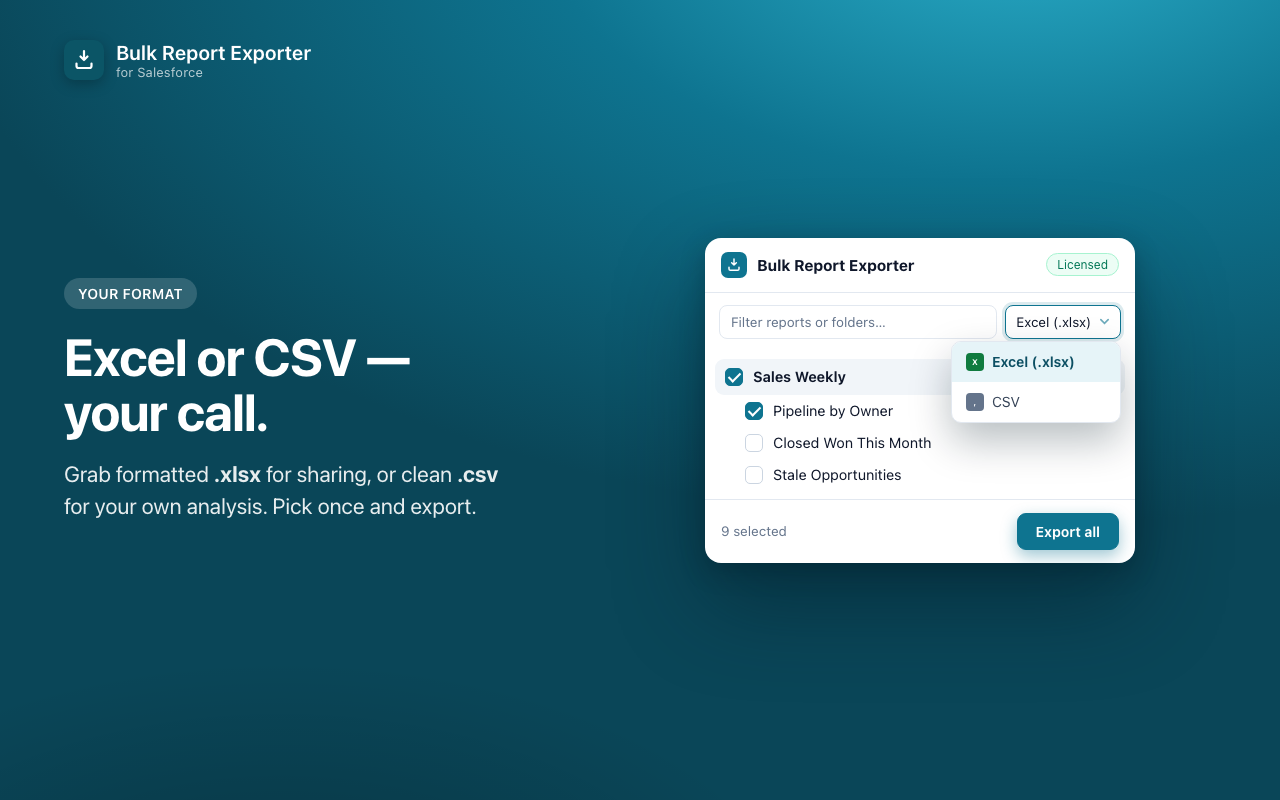
Formatted .xlsx for sharing, or clean .csv when you're feeding another tool or a spreadsheet model.
Type to filter across hundreds of reports and folders, so you find the right set in seconds.
Files are named after your reports and sorted into folders automatically. No renaming afterwards.
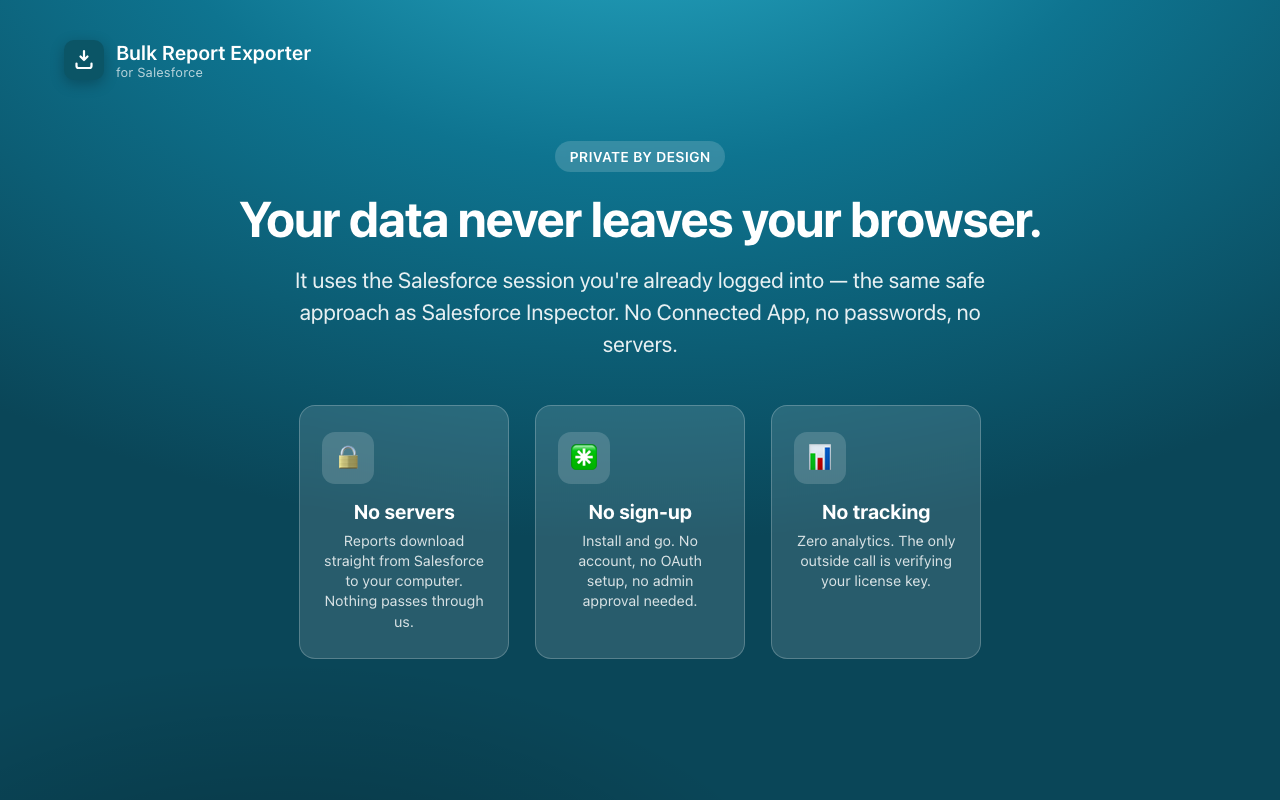
Reports download straight from Salesforce to your computer. Nothing passes through our servers — we don't have any.
No Connected App, no OAuth, no sign-up, no IT ticket. Install it and it works with the session you already have.
Try everything free for 7 days. Then pay once — and it's yours.
7-day full free trial first — no card, no sign-up. After the trial, exporting one report at a time stays free.
The things Salesforce admins ask before installing anything.
No. There are no servers. Reports download directly from Salesforce to your computer through Chrome's own download manager, using the session you're already logged into. The only outside call the extension ever makes is verifying your license key.
No. It doesn't use OAuth or a Connected App and it never asks for your password. It works within your existing browser session, the same approach used by well-known tools like Salesforce Inspector. Your Salesforce user needs the standard "API Enabled" permission, which admins have by default.
Yes — Lightning and Classic, production and sandbox orgs.
Everything, for 7 days, with no card and no sign-up. After the trial ends, exporting one report at a time stays free forever; bulk and whole-folder export need a license key.
No. It's a single one-time payment of $24 and the license is yours, including future updates.
No. This is an independent tool. "Salesforce" is a trademark of Salesforce, Inc., used here only to describe what the extension works with.
Short version: your Salesforce data never leaves your browser.
Reports download straight from Salesforce to your computer. Nothing passes through us.
No account, no OAuth setup, no email collection by the extension.
Zero analytics. The only outside call is verifying your license key.
Your Salesforce session cookie is used only to authenticate requests to your own org and is never stored or transmitted. Report contents are downloaded by Chrome directly from Salesforce — the extension never reads or transmits them.